Style your widget
This is the main page where you can set up your store facing Loyalty & rewards app. The ability to fully customise the look and feel of your Loyalty & rewards app can give your customers a more welcoming and inclusive experience when it fits with your store branding.
On this page
Widget settings
Here is where you can fill in and customise your widget from the store name to account creation and sign up buttons.
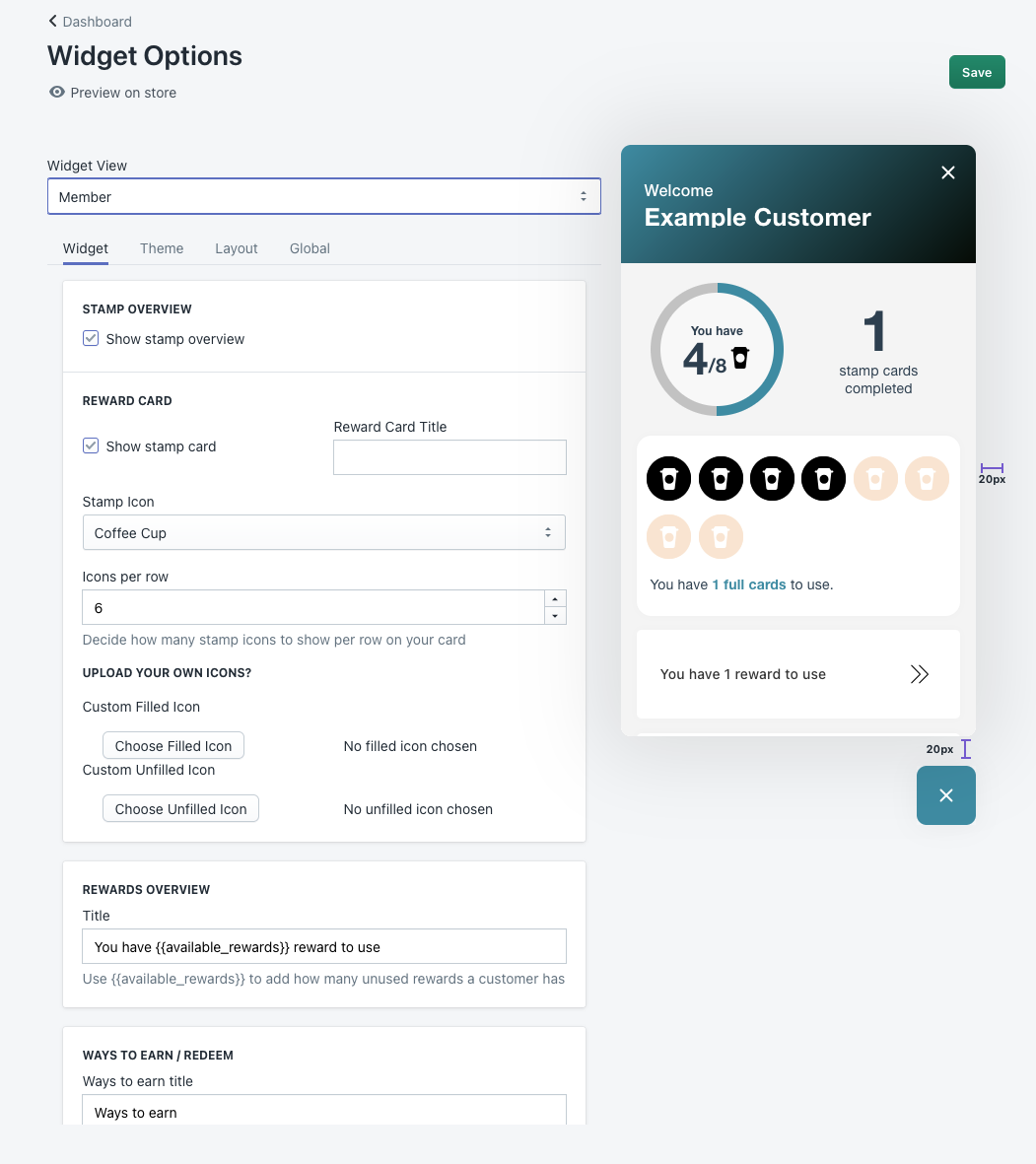
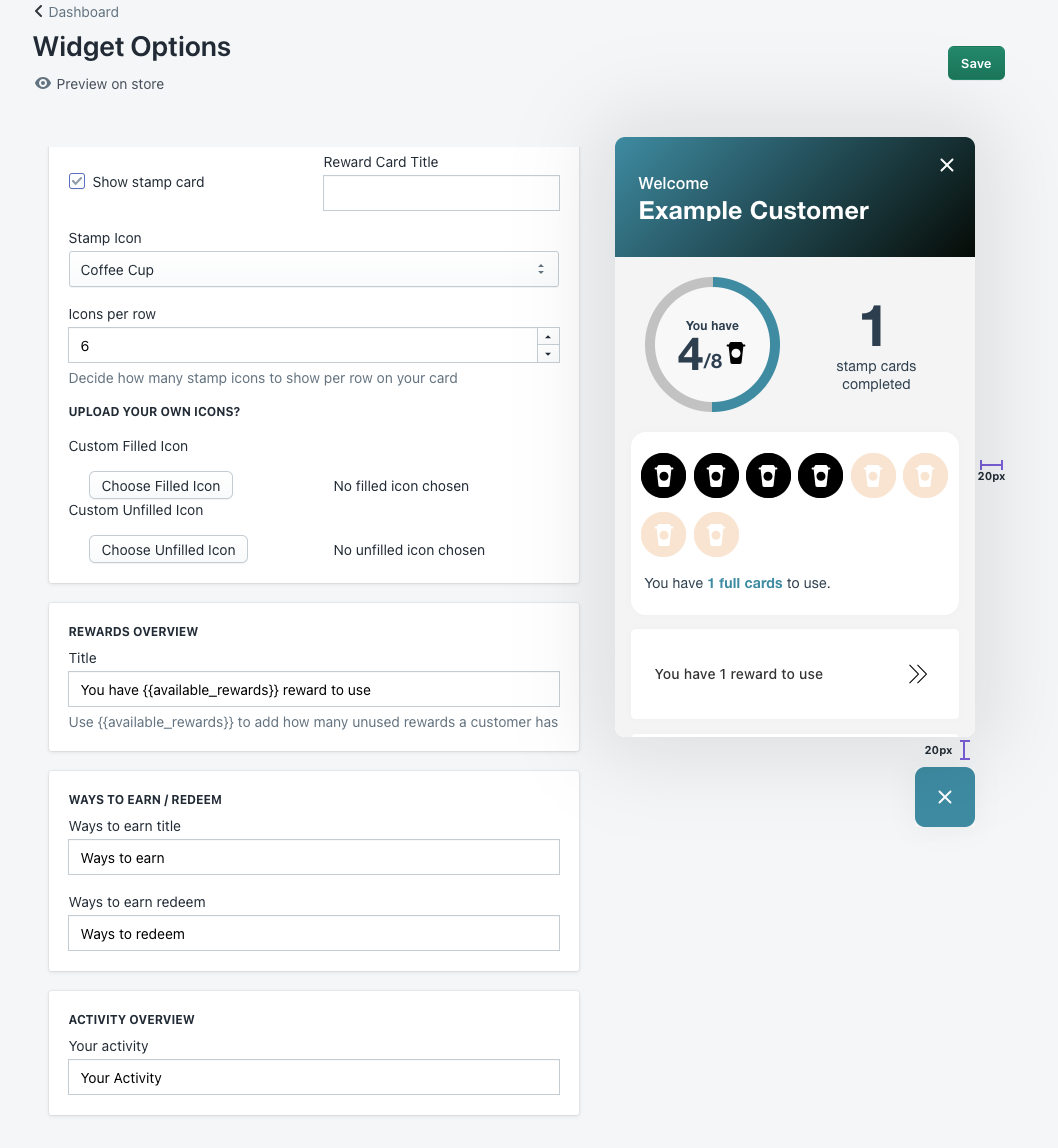
Header
Pre-heading – Is where you can put text above your rewards name
Reward name – This is the main larger text at the top banner essentially your reward program
Account creation
Title –
Description –
Sign up button –
Sign in text –
On the right hand side you will see a live preview of your stores Loyalty & rewards app from a customers point of view.
Theme settings
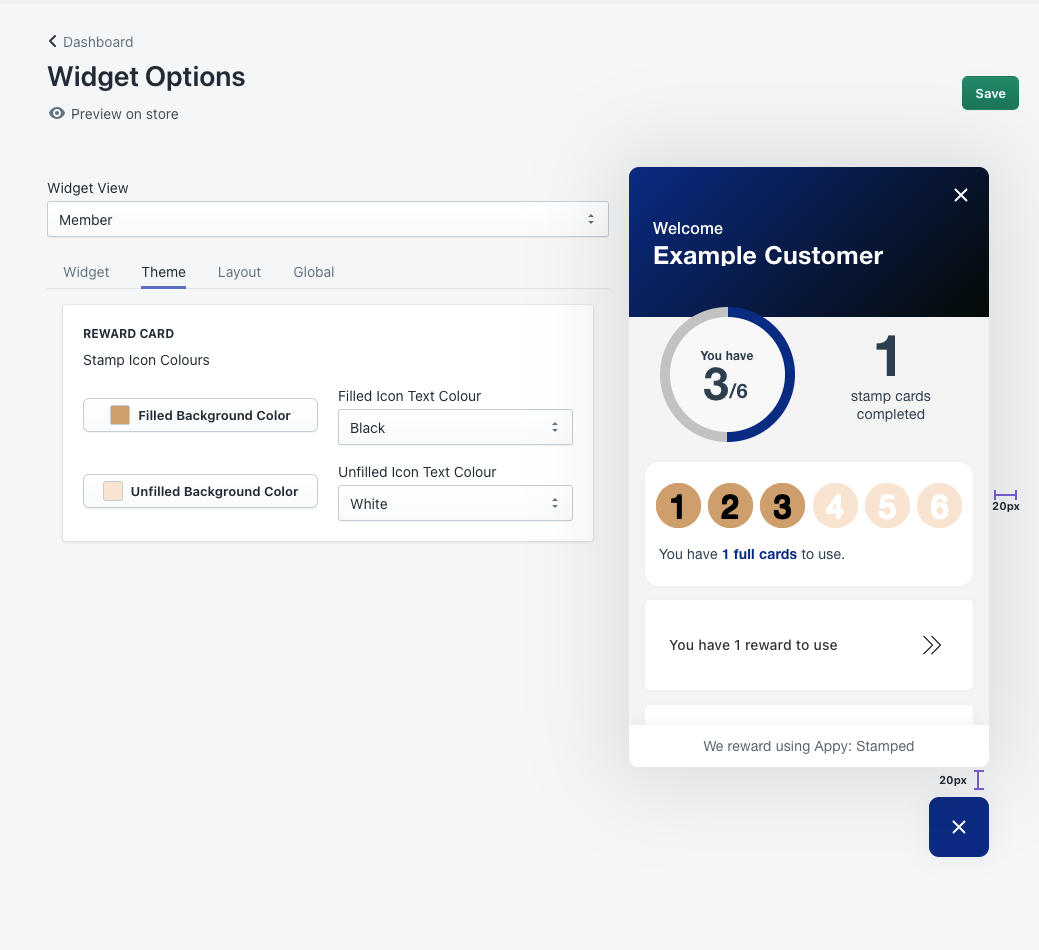
Theme page is where you can customise the rewards card look, specifically the stamp icon colours. You can change the colour by clicking on background colour and if you have a specific pantone/ hex colour you can also use that so that your loyalty program matches your branded colours.
Layout settings
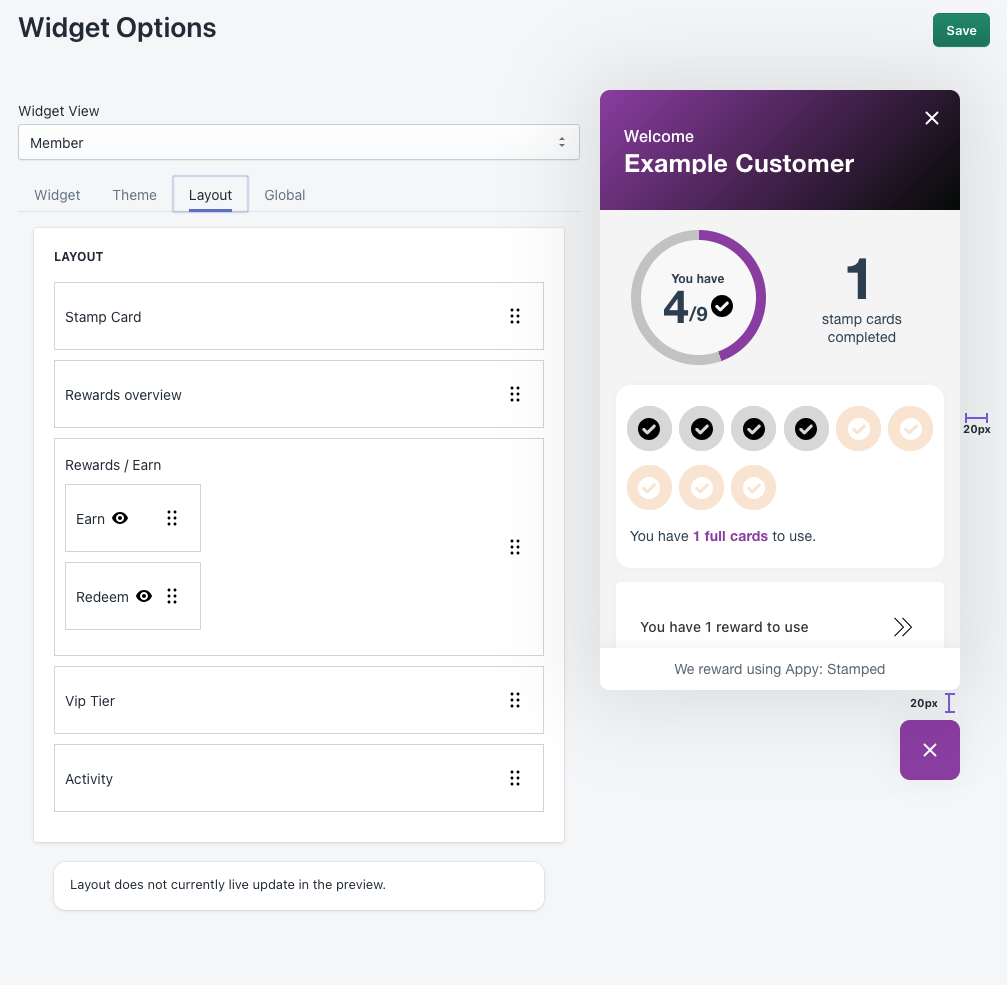
Layout page is where you can customise the layout/position of the catagories, simply drag the box up and down to the desired layout, click save and it will update the widget.
Global settings
Global page is where you can adjust the over all look to the store front loyalty & Rewards app.
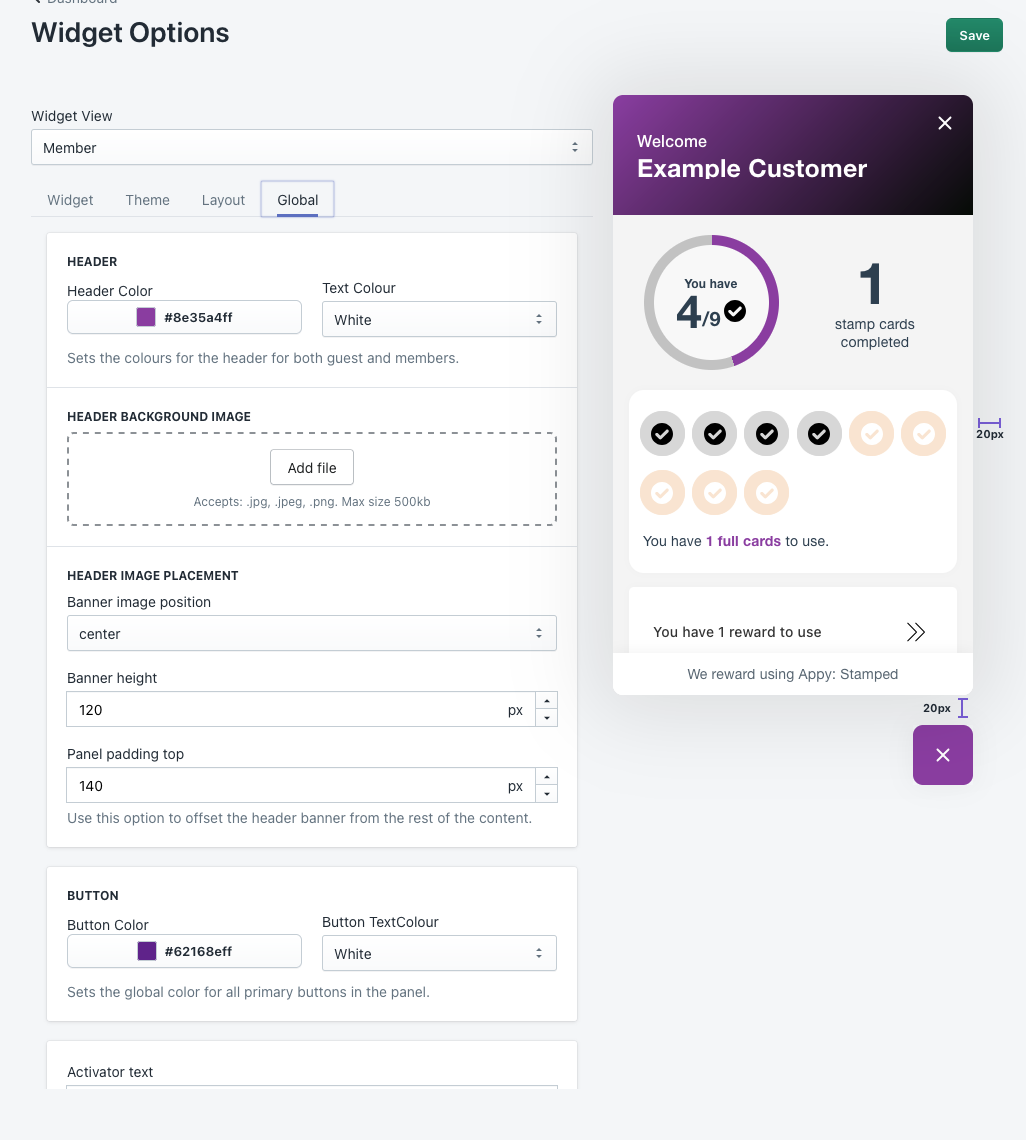
The following adjustments can be made here.
- Header colour, text, header background image.
- Header image placement.
- Banner positioning.
- Button colour/ text colour.
- Activator text.
- Activator icon.
- Hide activator/ widget on desktop/ mobile.
- activator placement.
To remove the Appy branding from the widget, simply press the Appy branding button and click save
